When I tried WINE many years ago, there were not that many large applications that could actually run smoothly without some sort of hacks.But when I gave it another try the other day, I was totally impressed by its abilities to run Windows applications natively under Linux. In fact, most Windows applications, as long as they use standard Windows API’s, could almost run directly under WINE without any modifications or tweaks (support for Microsft’s latest products however is quite limited as newer API’s might not have been implemented under WINE yet).
To use MATLAB 7 under WINE, all one has to do is to copy the harddrive serial number over into ~/.wine/drive_c/.windows-serial. Here I assume that MATLAB has already been installed under Windows C drive.
The serial number is the disk serial number detected during MATLAB’s installation and can be found under [MATLAB root folder]/bin/win32/license.dat. The value after HOSTID=DISK_SERIAL_NUM= is the serial number.
After setting the disk serial number, MATLAB should be able to be invoked from the shell:
wine /windows/C/MATLAB701/bin/win32/MATLAB.exe
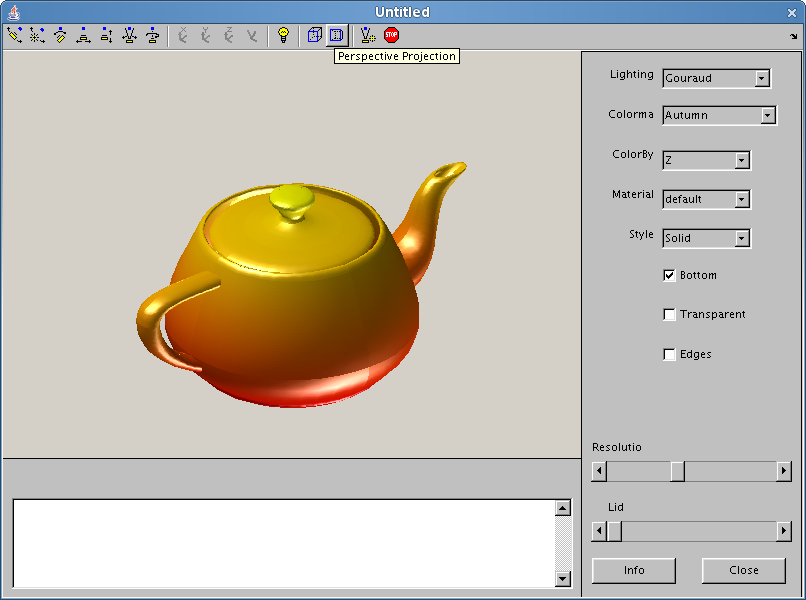
Here is a screen shot of MATLAB 7 running under Suse 10.3 (Gome):
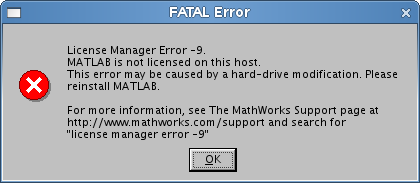
And if the serial number is set incorrectly, the following message will be received instead: